Find out before it affects you
When something affecting one of your projects is published, it lands in your inbox the same day, with the document behind it.
Request a demo
Watches your projects
IURAX knows which plots you are working on and which areas affect you, so it does the filtering for you.
Per project
Monitoring is tied to the plots and areas of each commission.
No noise
You get what affects your projects, not a daily list nobody reads.
Every day
The gazettes are read every morning, and anything that affects one of your projects is in your inbox the same day.
All the new regulations, and the ones that touch your project
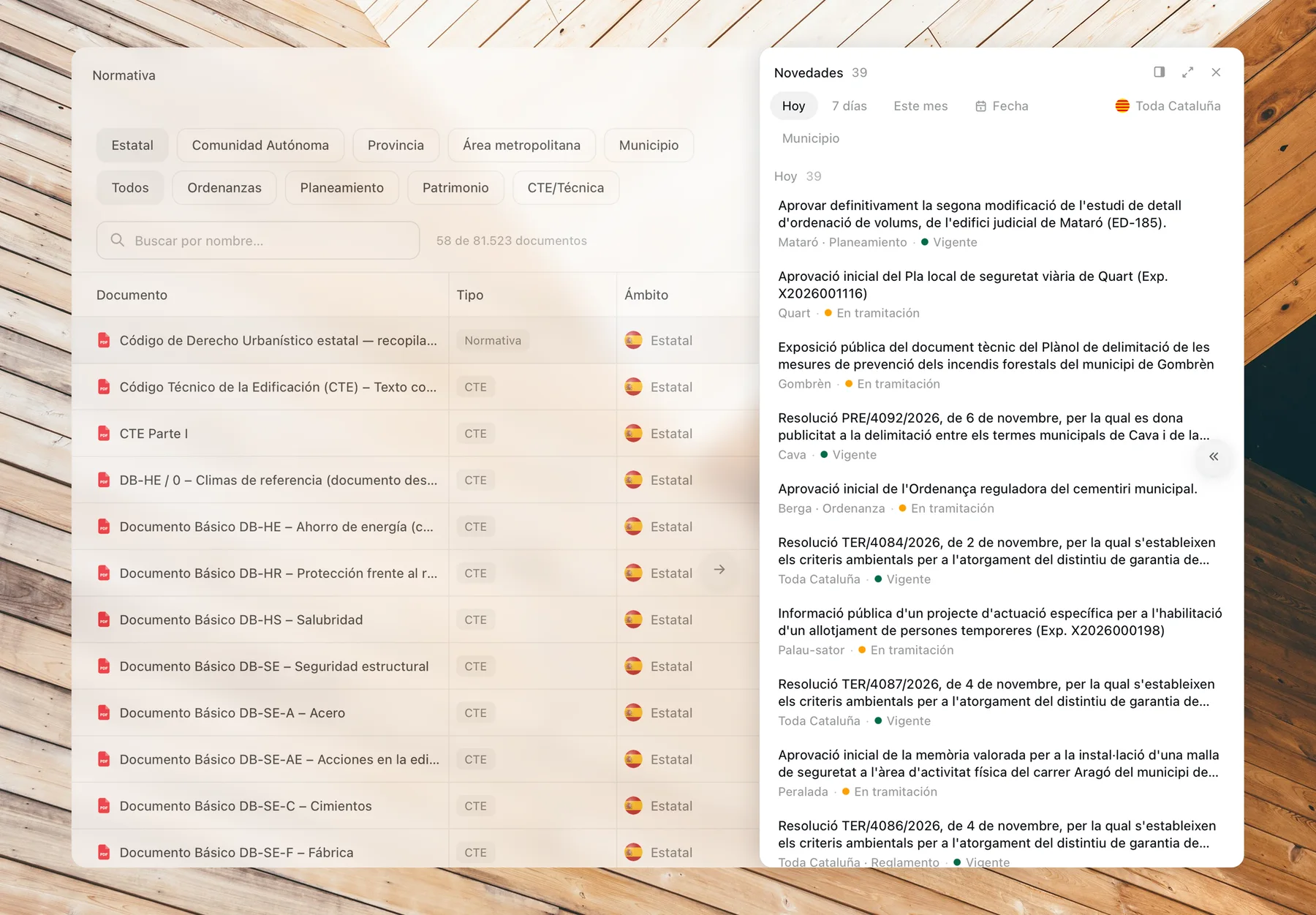
Two ways to stay up to date: what is published each day, gathered in one place, and the alerts that reach each project.
What's new each day, in one place
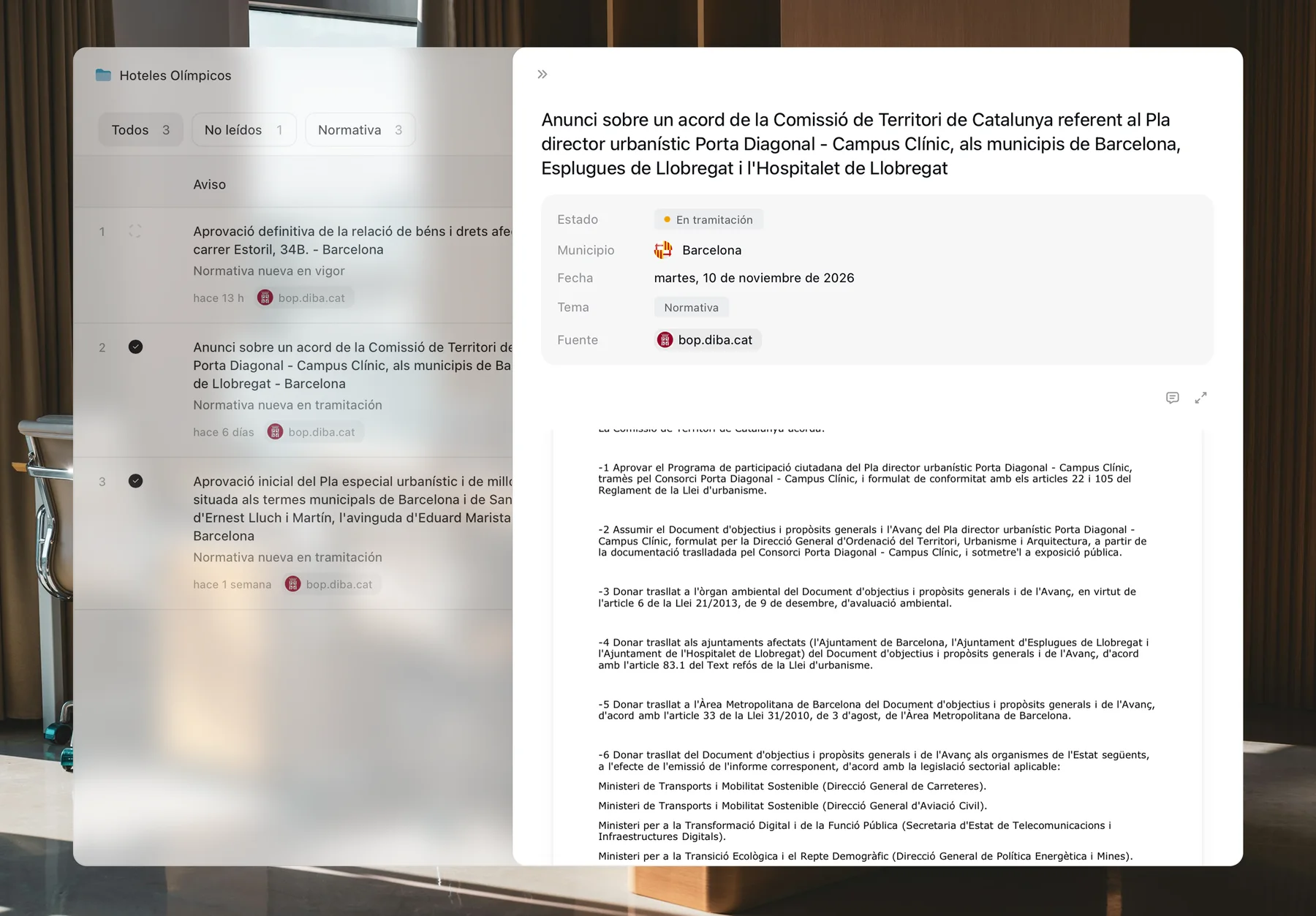
A central base updated every morning with what the official bulletins publish: what has been approved and what has entered processing, for all of Catalonia or a single municipality, with its status and the original document.
So nothing slips past you

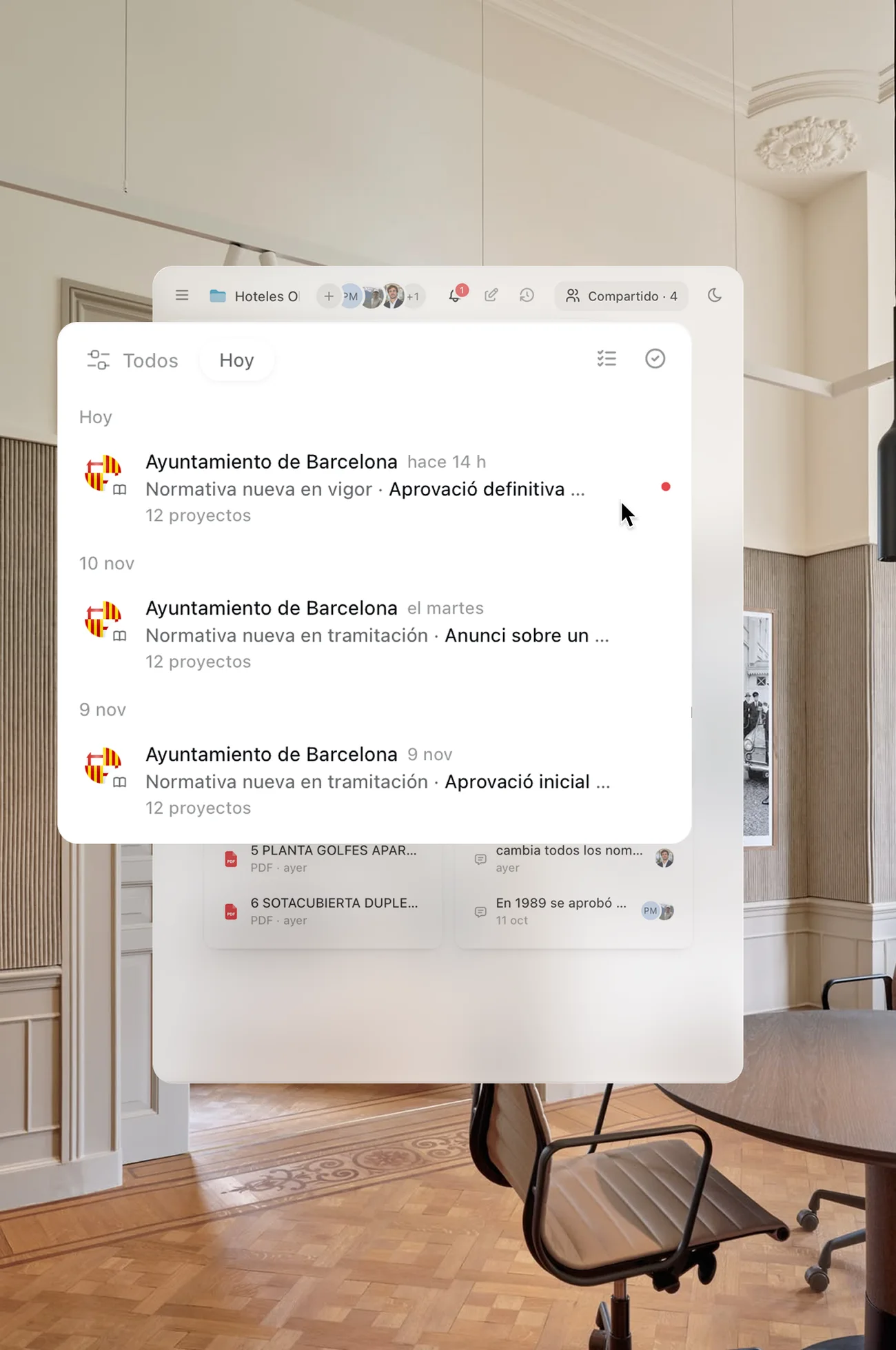
Everything in the bell
It gathers the new regulations from your municipalities, your team's mentions and the chats shared with you in one place, with a red dot on what you have not read yet.
Each project's own, inside it
From inside a project, the bell shows only what concerns it: the regulations approved or being processed that affect its plot or its area.
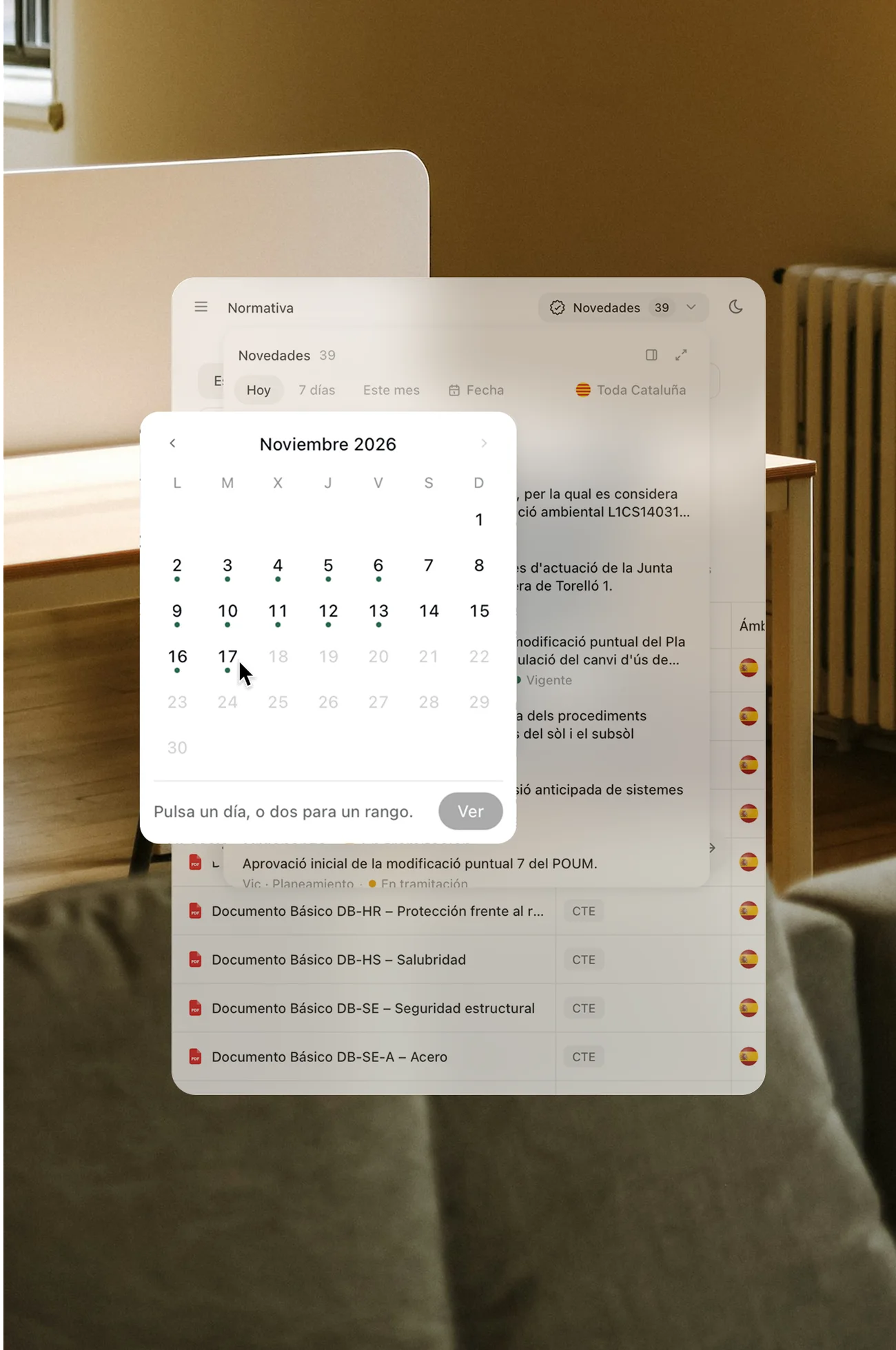
Today or any day
Today's items or everything before, read and unread, and what you have already reviewed is marked so it does not come up again.
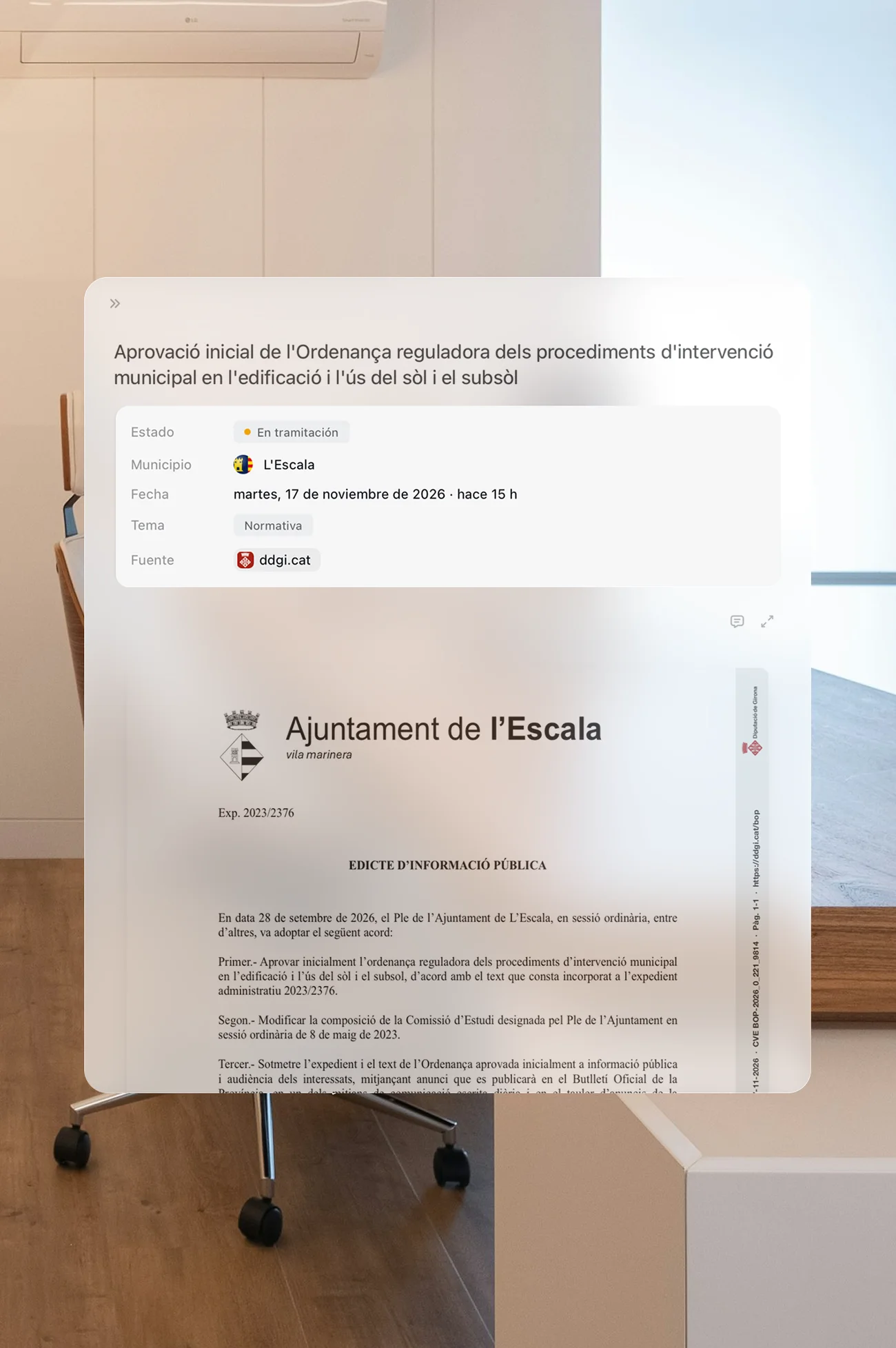
Deadlines and suspensions
What freezes an area and the window to lodge objections while it is still open, with time to spare.
Shall we try it on one of your projects?
Bring a plot and a real project file. In the demo, we look up the rules that apply to it and check where every figure comes from.
Request a demo